Digital Assets & Images Your suppliers have the right product images. Your catalog doesn't.
Product photography, logos, spec sheets, marketing content: your catalog needs them, and email is where they get lost. Clover collects assets in the formats you require, validates them at submission, and keeps them tied to the right product.


 !

Suppliers managed in Clover include
















Today
Where asset collection breaks down
-
The images exist. Somewhere.
The supplier's agency shot beautiful photography. What you have is a 72dpi JPEG someone emailed in 2023, named IMG_4402, in a folder nobody trusts. Every catalog project starts with an asset hunt.
-
What arrives is the wrong size, format, or shot.
You need white-background, 2000px, front-facing. You get a lifestyle shot in CMYK. Without requirements enforced at submission, every asset request turns into rounds of back-and-forth your team referees by eye.
-
Assets never stay attached to their products.
Images arrive in email, detached from the item they belong to. Matching them up is manual, renaming is manual, and when the product changes, nobody remembers to change the picture.
In Clover
Right assets, right formats, tied to the right products.
Clover collects product images the same way as the rest of your product data: defined by your requirements, sent by the supplier, and validated before they reach you.
Set the requirements every asset must meet
Shot types, resolution, format, and background per product category, defined once as requirements on the product. Every image is checked against them, whoever uploaded it.

See what fails, and request the fix
The product shows which asset fails which requirement. One click sends the supplier a task to replace exactly that file.


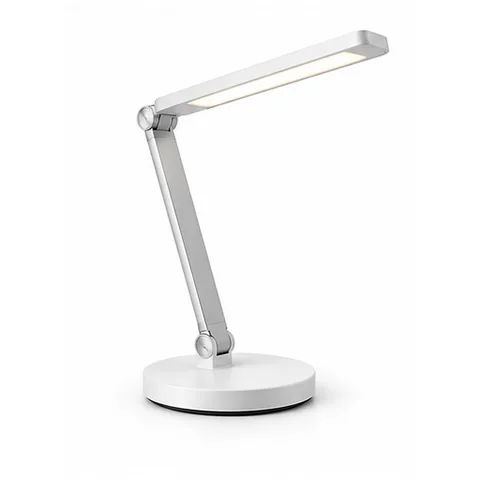


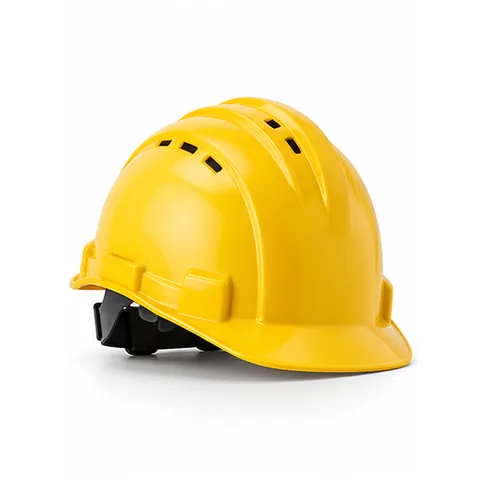
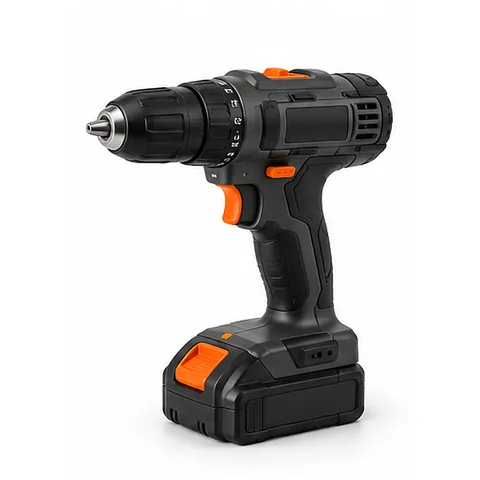
Collection at campaign scale
Missing images across a category? One campaign sends every supplier a task for exactly the assets their products lack, with reminders that chase completion for you.
 Dana Reyes · Pacific Trade
Requirements enforced at upload
Resolution, format, background, and shot-type requirements are checked when the supplier submits, so the wrong file bounces immediately instead of landing in your review pile.
Every asset lives on its product
Approved assets attach to the product record, versioned, with usage rights and history, and flow to your PIM, eCommerce, and catalog systems from one source.
From asset hunt to asset system
Every catalog needs images. Every team hunts for them.
Case, unit, and label imagery collected to spec from suppliers, for eCommerce and order guides that sell.
- Case
- Unit
- Label
Supplier product photography and content in your required formats, before the item goes live, not after.
- Photography
- Content
- Formats
Component images, technical drawings, and spec sheets collected to your standards, attached to the right part numbers.
- Images
- Drawings
- Spec sheets
Product images and content for your purchasing catalog, collected from suppliers so employees can find and buy the right items.
- Images
- Content
- Catalog
Product images, instructions for use, and labeling collected from manufacturers to spec, attached to the right devices and supplies.
- Images
- IFUs
- Labeling
If product images arrive by email and live in folders, this workflow applies.
- Any asset
- Any format
Frequently asked questions
You define the asset requirements per product category (shot types, resolution, format, naming), and Clover requests them from suppliers as guided tasks, per item or across the catalog as a campaign. Files are validated against your specs at upload, and approved assets attach to the product record, versioned.
Yes. Resolution, format, and requirement checks run at submission, so a file that doesn't qualify bounces immediately with a clear reason the supplier can act on. Your team reviews assets that passed, not everything that arrived.
Yes. A campaign targets any slice of your catalog, sends each supplier a task for exactly the assets their items are missing, and tracks completion in one dashboard, with automatic reminders doing the chasing.
Yes. Each approved asset is stored on its product record with its usage rights and version history, so your team knows what each image can be used for and which version is current.
Not always. Clover keeps each approved image and asset on its product record, versioned and with its usage rights, and sends it to your eCommerce and catalog channels through the Clover API. If you run a DAM or PIM, Clover feeds it, attached to the right products.
See asset collection at catalog scale
We'll run a live image-collection campaign against requirements like yours.
What we promise
- We start with your problems, then show you how Clover would solve them. A real walkthrough with someone who knows product content.
- Typical deployments cost less than a single content coordinator.
- SAML 2.0 SSO
- AES-256 + TLS 1.2+
- Immutable audit trail
- SOC 2 (in progress)
- Security questionnaire on request
- Security details